Introduction
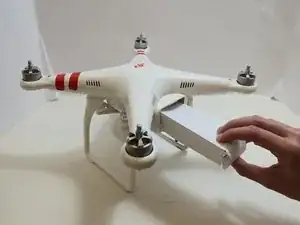
This guide demonstrates how to remove and replace the battery in the DJI Phantom 2 Vision. It uses a 5200mAH smart battery. To identify if you have the correct battery use this link to the DJI store page, and make sure all the specifications are the same as the ones listed. If this link is not working, use this one that links to the DJI Phantom 2 Vision manual instead and verify.
Before you begin this repair, make sure your device is powered off and it is disconnected from the charger.
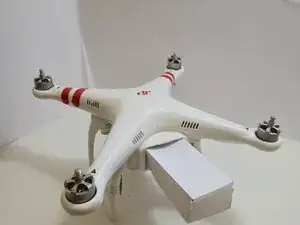
Note: The battery is missing from the device we worked on so we constructed one to demonstrate the removal process.
Parts
-
-
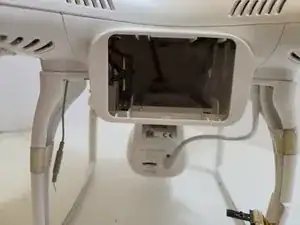
The battery is located on the back side of the drone. There will be a large rectangular indent that is pushing outward from the drone
-
-
-
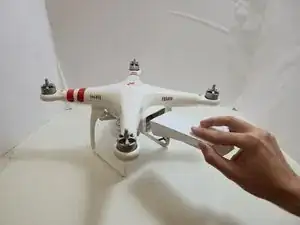
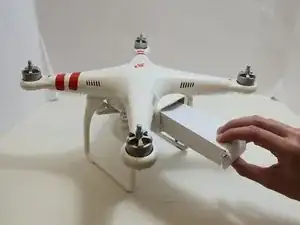
Remove the battery from the compartment by pinching the top and bottom pressure points near the center and pulling the battery towards you.
-
To reassemble your device, follow these instructions in reverse order. Take your e-waste to an R2 or e-Stewards certified recycler.