Introduction
This guide demonstrates how to replace the gimbal housing of your DJI Phantom 2 Vision. When completing the disassembly make sure to clean any residue that may be surrounding the screws before beginning, as doing this will ensure no over or under-tightening of screws may occur. Also, make sure to verify the size of the screws if you plan on replacing them, they are 6mm.
Note: The drone we worked on already had the propellers removed. However, you will need to remove the propellers before Step 4. Refer to the DJI Phantom 2 Vision+ Propellers Removal for detailed instructions, as the process is identical.
Tools

Parts
-
-
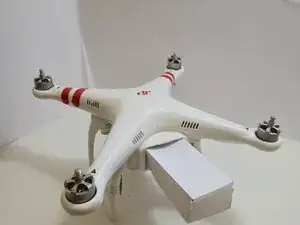
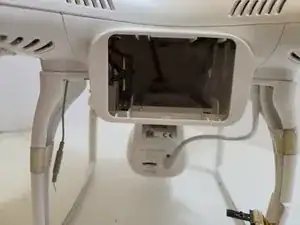
The battery is located on the back side of the drone. There will be a large rectangular indent that is pushing outward from the drone
-
-
-
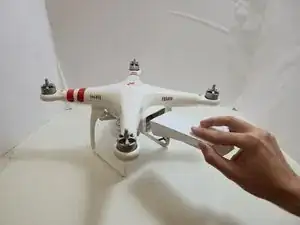
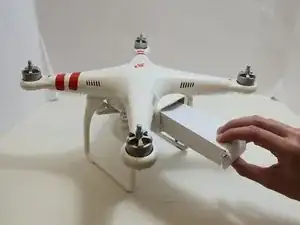
Remove the battery from the compartment by pinching the top and bottom pressure points near the center and pulling the battery towards you.
-
-
-
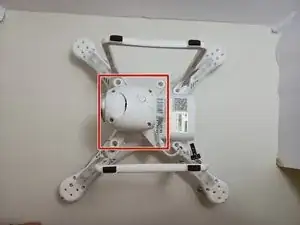
Flip the drone over so the bottom is facing up.
-
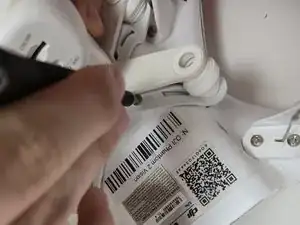
Use a Phillips #00 screwdriver to remove the four 6 mm screws.
-
To access the screws, slowly pull back on the mount in the opposite direction.
-
-
-
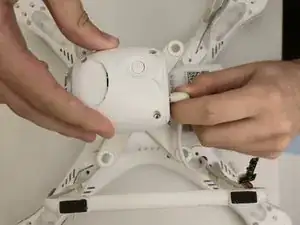
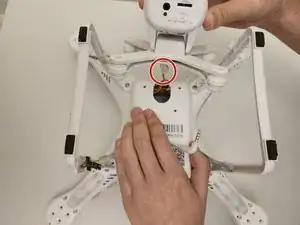
Slowly lift the gimbal housing from the device.
-
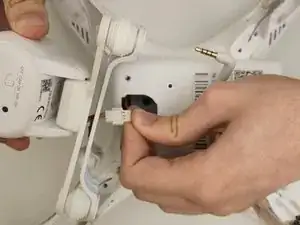
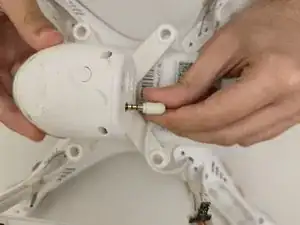
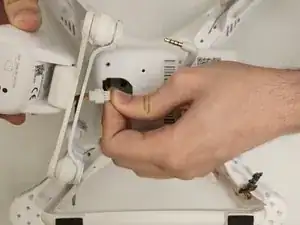
Gently disconnect the camera cable from the cable connected to the motherboard.
-
Push on alternating sides of the connector and pull straight away from the socket.
-
To reassemble your device, follow these instructions in reverse order.