Introduction
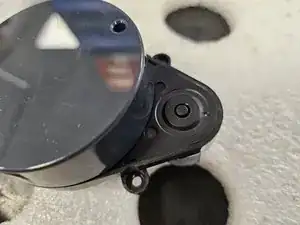
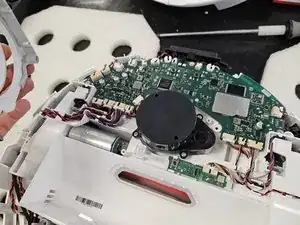
This guide will show you how to replace the Laser Distance Sensor (LDS or LiDAR) of Roborock's robotic vacuum Q Revo.
You may want to do so if your robot reports "Error 1: Laser Distance Sensor blocked."
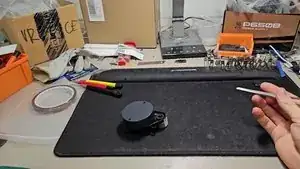
Within the guide I will also outline how to replace just the motor that spins the LDS, as well as how to clean it properly.
I recommend reading the entire guide before starting the disassembly, then following steps as needed during.
If you already know how to disassemble it or have followed my teardown guide, skip to step 10.


-
-
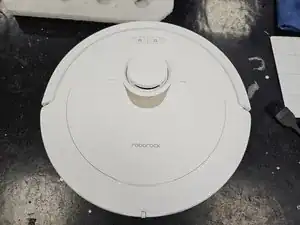
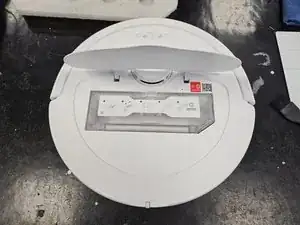
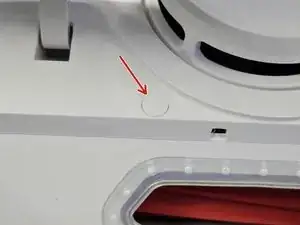
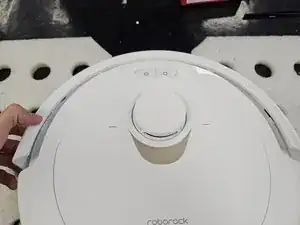
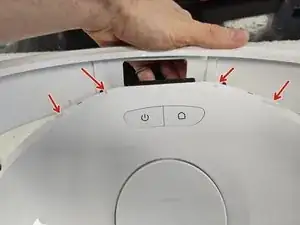
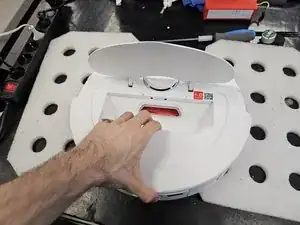
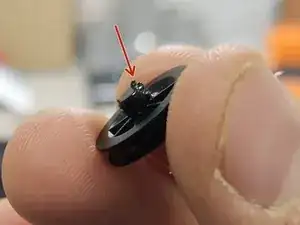
Remove the cap, then save it somewhere. It's purely cosmetic, so don't worry too much if you do lose it.
-
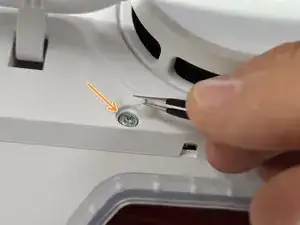
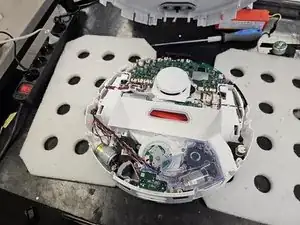
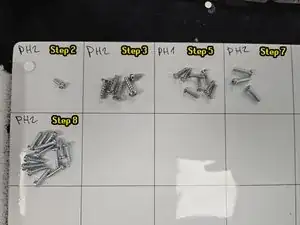
Once you remove the cap, remove the screw using a PH2 screwdriver.
-
-
-
Flip it over.
-
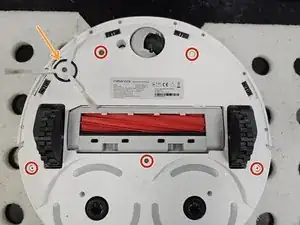
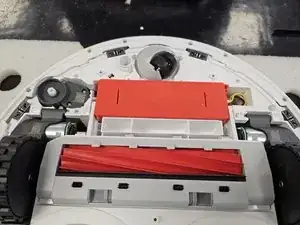
Remove the side brush using a PH2 screwdriver.
-
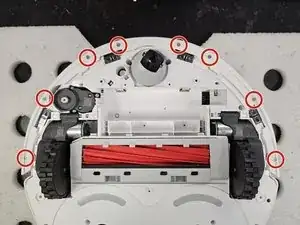
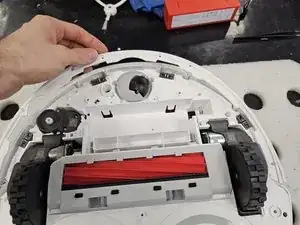
Remove the marked screws using a PH2 screwdriver.
-
-
-
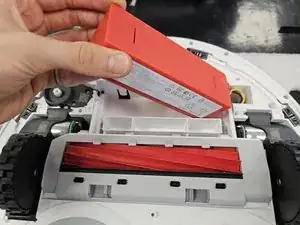
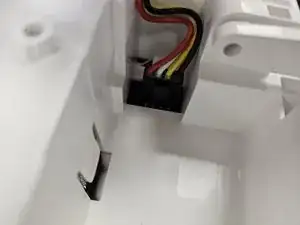
Remove the battery by lifting the left side until you can reach the connector, then disconnecting the connector by squeezing it's release tab.
-
-
-
Flip the robot over.
-
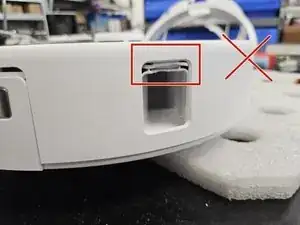
Remove the bumper by tilting it forwards to get it off the little tabs on the front.
-
-
-
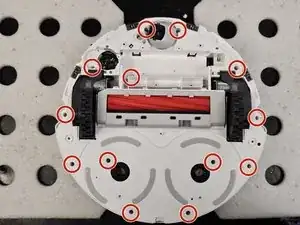
Remove the remaining screws that hold the chassis together. Use a PH2 screwdriver.
-
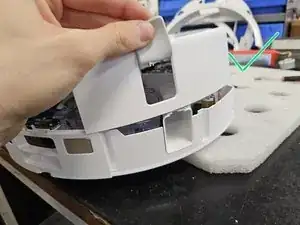
Flip it over, then pull it apart.
-
-
-
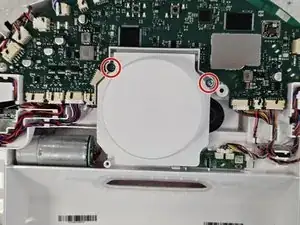
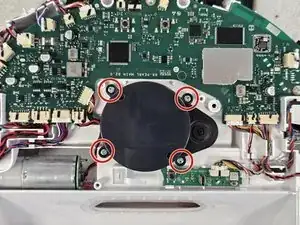
Remove the 4 screws using a PH2 screwdriver.
-
Disconnect the connector on the motherboard.
-
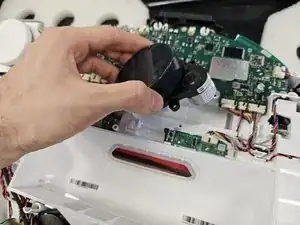
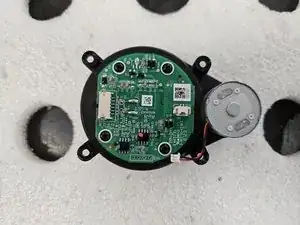
Remove the LDS.
-
-
-
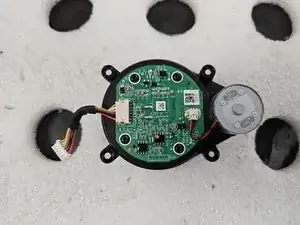
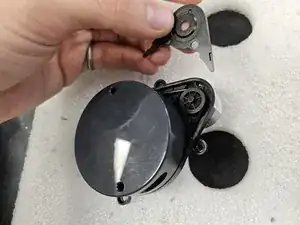
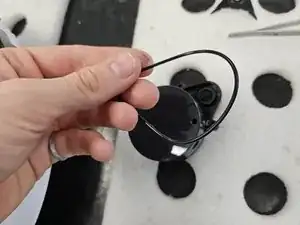
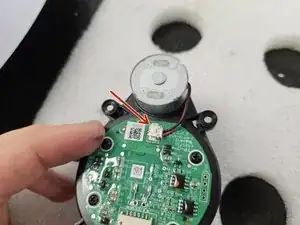
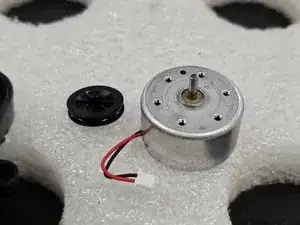
Disconnect the motor from the LDS. If you have a different LDS, it may be soldered to the PCBA.
-
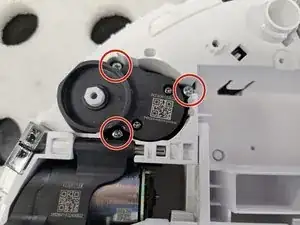
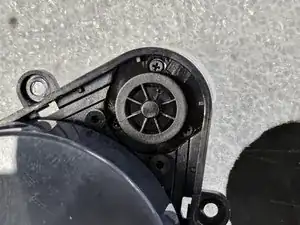
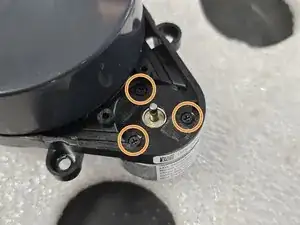
Unscrew the motor using a PH00 Screwdriver, then remove it.
-
Now you can replace or clean the motor.
-






To reassemble your device, follow these instructions in reverse order.